








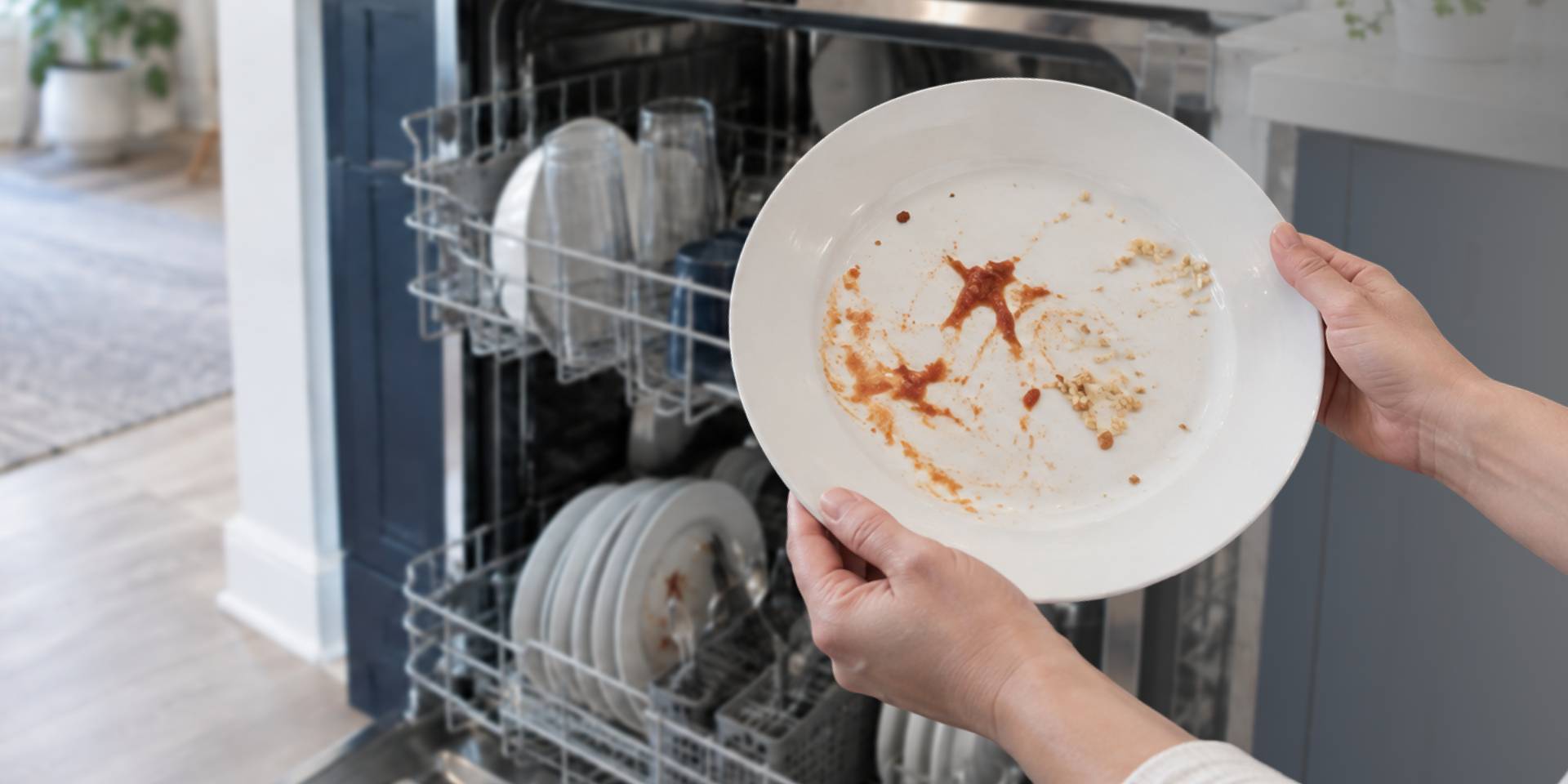

Your dishwasher should save you from washing every plate and bowl by hand. But when the cycle ends and dried rice, sauce, or crumbs still stick to the dishes, you’re left cleaning them all over again. That’s frustrating, especially after waiting for a full cycle to finish.
Leftover food usually means water or detergent couldn’t reach every part of the load. Before troubleshooting, take a closer look at what remains on the dishes. Bits of food and greasy smears point to a cleaning problem. A cloudy haze, chalky film, or water spots are different and are more commonly connected to hard water, detergent, rinse aid, or drying.
If your dishwasher is leaving food residue, don’t assume it’s broken just yet. Crowded racks, a dirty filter, or a blocked spray arm may be causing the problem. Work through the steps below to find the cause, starting with the simple checks you can handle at home.
1. Give Your Dishes a Little More Room
It’s tempting to squeeze in one more plate, but dishes need space. When they’re packed too closely together, water may never reach the dirty surfaces. Residue location can also give you a clue. If the bottom rack looks clean but the top rack doesn’t, something may be blocking water from reaching the upper dishes.
Before running the next load, try these loading changes:
- Face dirty surfaces down and toward the center of the dishwasher.
- Leave small gaps between plates, bowls, and glasses.
- Don’t let bowls overlap or nest inside one another.
- Mix spoons with other utensils so they don’t stick together.
- Keep tall pans, cutting boards, and utensils away from the spray arms.
- Make sure nothing blocks the detergent dispenser.
Once the dishwasher is loaded, give each spray arm a gentle spin. If an arm hits a dish, move the item before starting the cycle. One important thing to remember: fitting more dishes into one load doesn’t save much time if half of them need to be washed again.
2. Clean the Dishwasher Filter
A dishwasher filter catches food before it can move back onto your plates. When the filter clogs, those bits of food may stay in the machine and end up on the next load. Not every dishwasher has the same type of filter. Some models have a removable filter, while others use a self-cleaning system or food disposer. Check your owner’s manual before pulling or twisting anything.
If your model has a removable filter, clean it this way:
- Pull out the bottom rack.
- Find the filter at the bottom of the tub, usually near the lower spray arm.
- Remove it as directed in the owner’s manual.
- Rinse the filter under warm running water.
- Use a soft brush and a little dish soap for stuck-on grease.
- Put the filter back and lock it into place.
Skip wire brushes and scouring pads because they can damage the filter mesh. Never run the dishwasher without its filter properly installed. If you keep finding food left on dishes after the dishwasher runs, check the filter more often. How often you need to clean it depends on how often you use the machine and how much food you put in it.
3. Take a Look at the Spray Arms
The spray arms send water around the tub. A tall pan can stop one from turning, while food or mineral buildup can block the small spray holes. Uneven results often point to this. For example, dishes in one corner may stay dirty while everything else comes out clean.
You can check the spray arms without taking the dishwasher apart:
- Turn the dishwasher off and slide out the racks.
- Gently spin each spray arm to make sure it moves freely.
- Look for utensils or dishes hanging into the arm’s path.
- Check the spray holes for visible food or debris.
- Loosen reachable debris with a toothpick or soft brush.
Only remove a spray arm if the owner’s manual provides instructions for your model. Don’t force an arm loose or take apart any part of the internal wash system.
4. Match the Wash Cycle to the Mess
A light or quick cycle works well for lightly soiled dishes. It may not be enough for a casserole dish covered in dried cheese or plates that sat on the counter all afternoon. Take a moment to match the settings to the load:
- Use a normal cycle for everyday loads.
- Choose a heavy-duty or pots-and-pans cycle for dried-on food.
- Select any high-temperature option only when the dishes are marked dishwasher-safe.
- Scrape off bones, pits, seeds, and large pieces of food before loading.
You usually don’t need to scrub or completely rinse every plate first. Removing the large scraps is enough for most modern dishwashers. If the dishwasher leaves dirty dishes only after quick or light cycles, try a stronger cycle before assuming something is wrong with the appliance.
5. Check the Detergent and Dispenser
Even a perfectly loaded dishwasher won’t clean well if the detergent never reaches the water. A large pan can block the dispenser door, or damp detergent can clump inside the compartment. The next time you run a load, pay attention to these details:
- Use detergent made specifically for automatic dishwashers.
- Follow the detergent label and owner’s manual for the correct amount.
- Keep detergent closed and stored somewhere cool and dry.
- Make sure the dispenser is dry before adding detergent.
- Move dishes that could prevent the dispenser door from opening.
- Check for detergent left inside the dispenser after the cycle.
Water hardness can affect how much detergent you need. More isn’t always better, though. Too much detergent may leave a film, while too little may struggle with greasy or heavily soiled loads.
Don’t use regular liquid dish soap in the dishwasher. It produces far too many suds and can cause an overflow or leak.
6. Make Sure the Dishwasher Is Getting Hot Water
Detergent needs warm enough water to loosen grease and dried food. If the dishwasher begins filling with cold water, cleaning performance may suffer. Here are a few simple water checks you can make:
- Run the hot-water faucet nearest the dishwasher until the water becomes hot.
- Start the dishwasher soon afterward.
- Check that the kitchen faucet has normal water flow.
- If you can identify the dishwasher’s shutoff valve, make sure it’s fully open.
- Avoid using a large amount of hot water elsewhere while the dishwasher runs.
Many dishwashers need incoming water around 120°F to clean properly, but check the owner’s manual before changing your water heater setting. Hot water can burn, so don’t raise the temperature based on guesswork.
If the dishwasher hums but doesn’t fill, fills very slowly, or shows a water-related error, stop at the basic checks. A supply valve, inlet component, or another internal part may need attention.
When Basic Troubleshooting Doesn’t Fix the Problem
If your dishes still come out dirty after you’ve adjusted the load and cleaned the filter and spray arms, watch what happens during the next cycle. A repeated problem may mean the dishwasher isn’t filling, spraying, releasing detergent, or draining as it should.
It may be time to call a technician if you notice any of these signs:
- The same rack comes out dirty after several properly loaded cycles.
- The dishwasher fills, but the usual washing sounds never begin.
- Food particles return even with a clean filter.
- The detergent dispenser stays closed even when nothing blocks it.
- Dirty water remains in the tub after the cycle.
- You hear a new grinding, buzzing, or rattling noise.
- The same error code keeps returning.
Don’t remove the pump housing or protective panels yourself. Let a technician find out what’s happening inside the dishwasher.
If the dishwasher keeps failing and the repair no longer feels worthwhile, browse dishwashers at R W McDonald and Sons for a replacement that fits your kitchen.